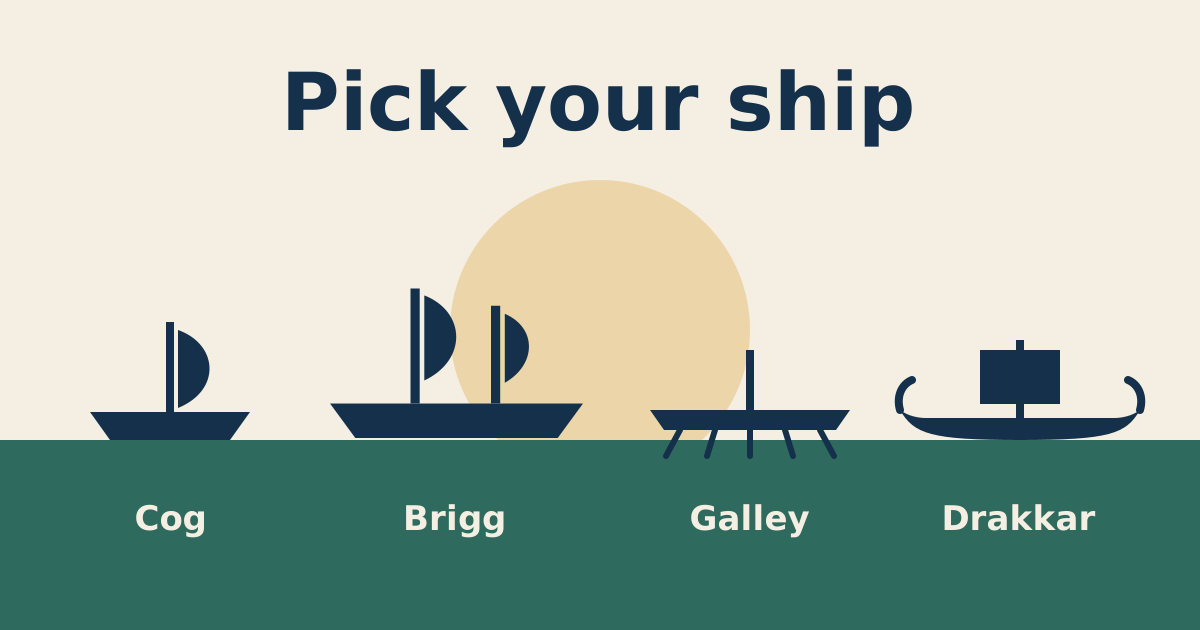
Small Ships Mod Ship Types: Cog, Brigg, Galley, Drakkar
Four hulls, four jobs. A plain comparison of which ship to build first and which to save for later.
Read moreMatch your Minecraft and Forge versions, place one file in the right folder, and you are sailing in under ten minutes.
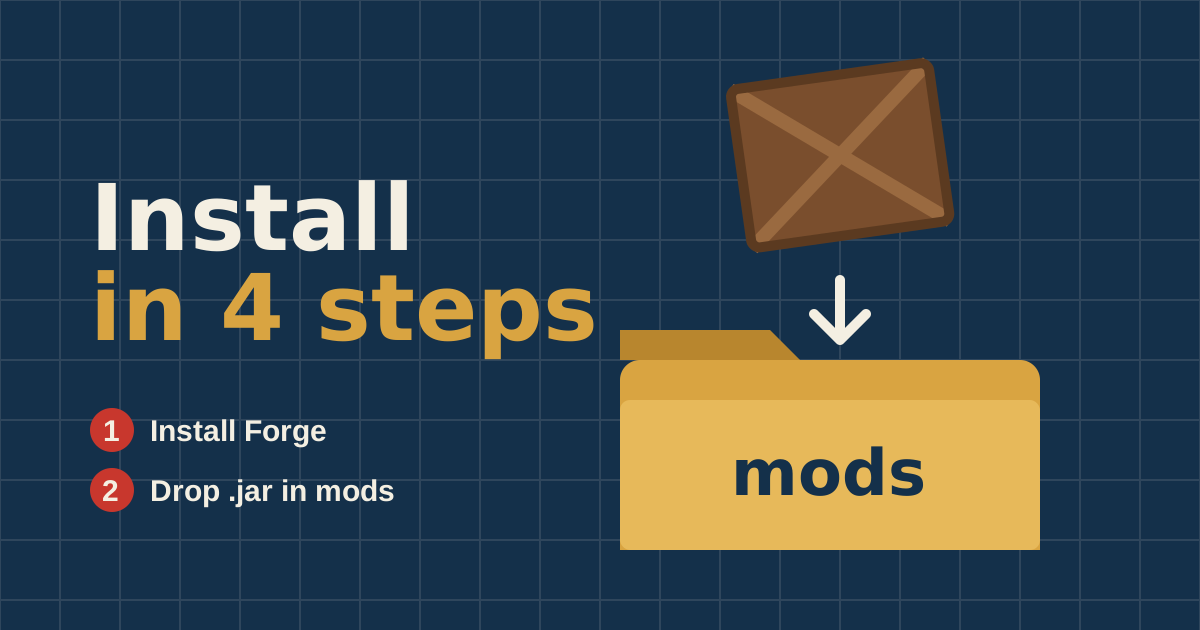
Small Ships Mod is a Forge mod, so installing it comes down to one rule: the mod file, Forge and Minecraft must all use the same version. Get that right and the rest takes a few minutes. This guide walks through every step for Windows and macOS, then covers the mistakes that cause most failed installs.
You need Minecraft: Java Edition. The mod does not run on Bedrock, consoles or phones. You also need a launcher: the official Minecraft Launcher works, as do mod launchers such as CurseForge, Prism Launcher or MultiMC. Finally, you need the Forge installer for the Minecraft version you want to play.
Decide on your Minecraft version first. If you plan to add other mods later, pick the version most of them support. For most modpacks today that is 1.20.1.
Download the Forge installer for your Minecraft version from the official Forge website. Choose the file marked "Recommended" when one exists. Run the installer, select Install client and click OK.
Open the Minecraft Launcher, select the new Forge profile and press Play once. This creates the folders Forge needs. When the title screen appears, close the game.
Get the mod only from its official sources: the author's GitHub repository, CurseForge or Modrinth. Pick the file whose name contains your Minecraft version. Re-upload sites often bundle old or modified files, and some wrap them in installers you should never run.
Open your .minecraft folder:
%appdata%\.minecraft and press Enter.~/Library/Application Support/minecraft.~/.minecraft.Open the mods folder (create it if it is missing) and drop the .jar file inside. If you use a launcher with separate instances, open that instance's folder instead.
Start the game with the Forge profile. On the title screen click Mods and look for Small Ships in the list. If it is there, create a new creative world and search the inventory for the ship items to confirm everything loaded.
.zip source archive in the mods folder. Forge loads compiled .jar files only.Playing on a server? The server and every player need exactly the same mod version installed. See the troubleshooting guide if anything goes wrong.
Ready to set sail?
Get the mod and follow the five-step setup.
Four hulls, four jobs. A plain comparison of which ship to build first and which to save for later.
Read moreShips in this mod carry momentum. Learn to set sail, turn early and stop exactly where you meant to.
Read moreLine up the broadside, lead your target and keep an escape route open. Naval fights are about positioning.
Read more